1.3 Investor Communication
By keeping investors aligned and minimizing ad-hoc data requests, you can accelerate decision-making and make future fundraising rounds more efficient. This also strengthens governance and builds trust through clear, consistent, and secure updates.
Qapita offers a structured, permissioned environment for sharing ownership updates, key documents, and real-time cap table views with investors. This typically includes a secure data room, custom investor dashboards, and robust access controls.
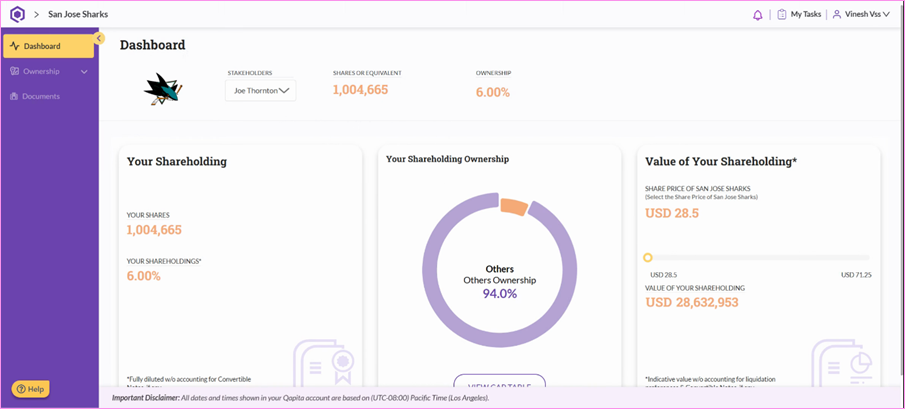
Administrators can now share access with investors. Let’s check out the Investor Dashboard and see how it works from their perspective.
|
Investor Dashboard
Step 1: Investor logs into their dashboard
The Investor dashboard displays key details about the shareholding percentage, fully diluted shares owned, and the current value of the investor’s holdings. This value is calculated by multiplying the current share price with the number of shares held. The slider feature allows investors to explore potential future valuations by adjusting the share price, helping them better understand the potential upside of their investment.
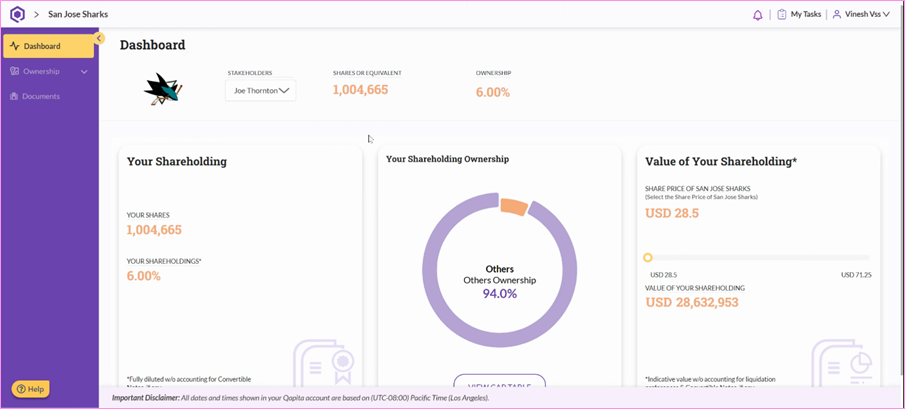
Step 2: Investor’s Ownership
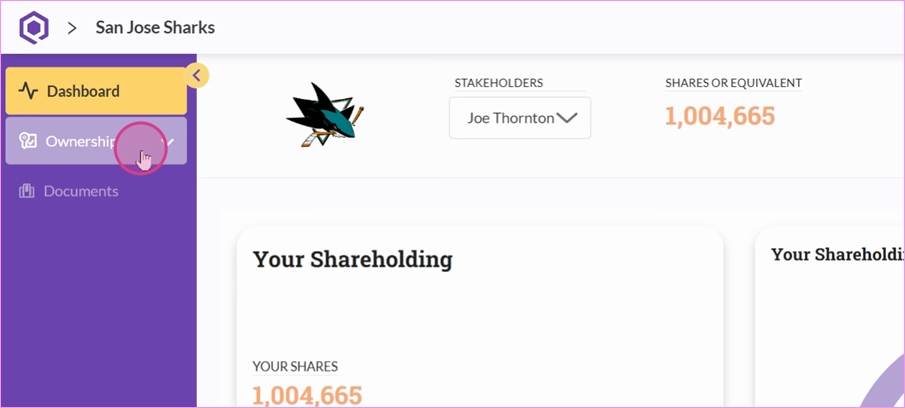
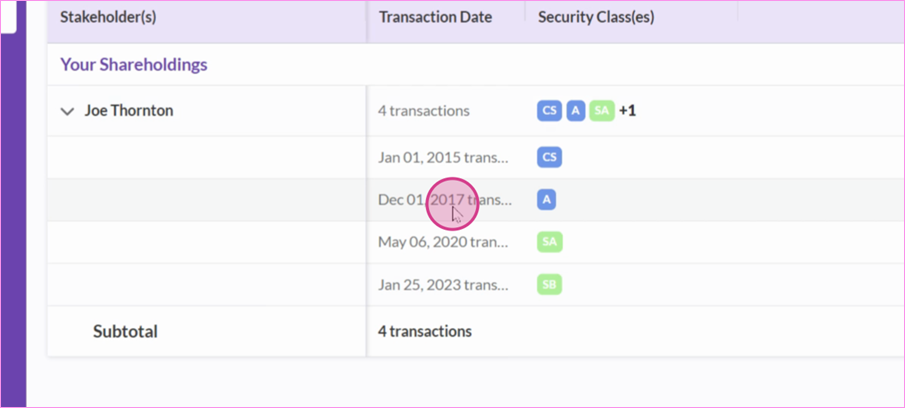
In addition to the dashboard view, investors can navigate directly to the Ownership section to view the cap table at a transaction level. Here, they can examine the amount invested and access their individual share certificates.
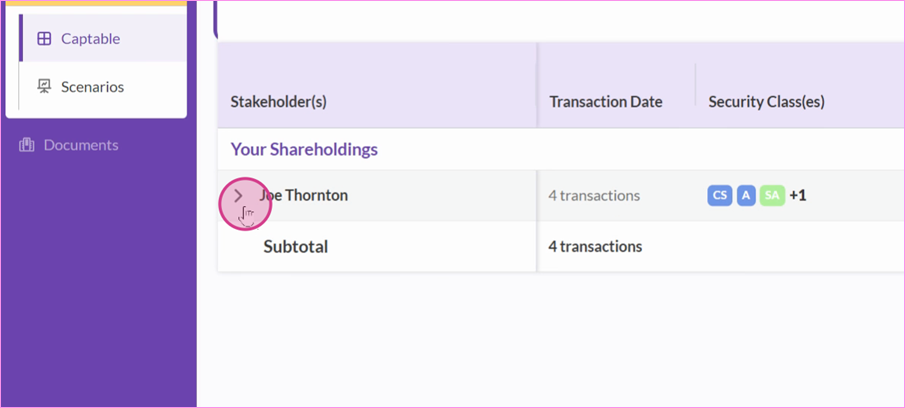
In the dropdown, you can view Cap Table of all the shares owned. Click on a specific investment to see detailed information, including the amount invested, share price, and the share certificate link to that transaction.
Step 3: Proforma Cap Table
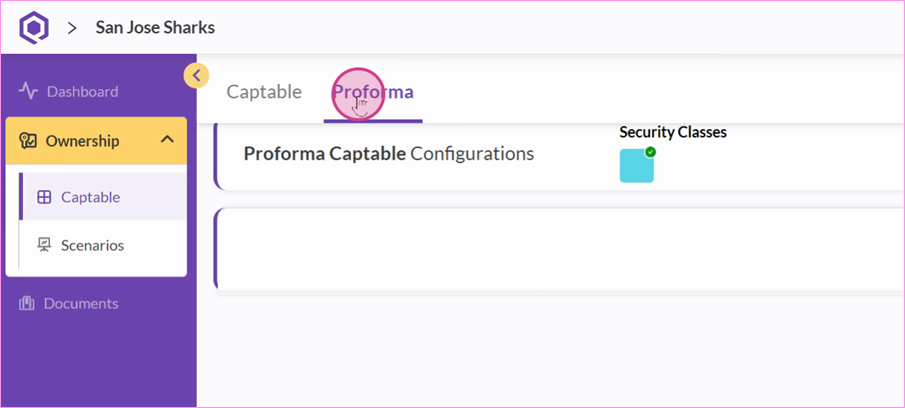
The Proforma Cap Table lets investors visualize the future ownership structure if convertible notes or warrants are converted.
In the proforma view, note that the shareholding percentages adjust to reflect these conversions, showing the impact on overall ownership.
Step 4: Investor’s Scenarios
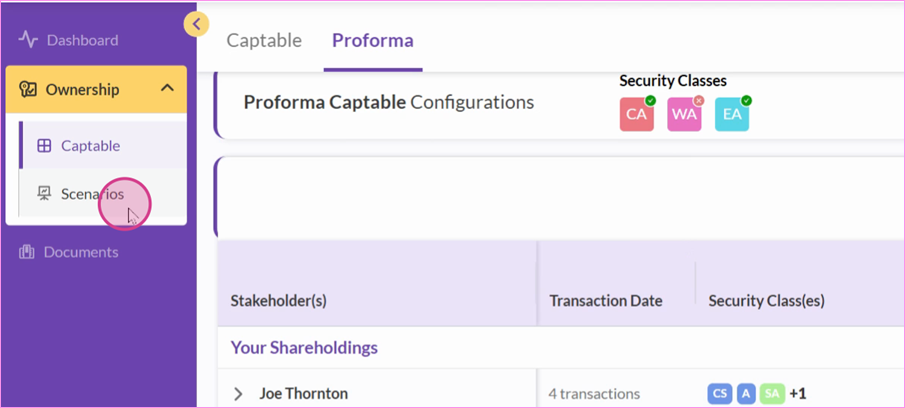
When founders share any scenarios about raising a new round, investors will understand what their dilution would be. All these analyses are available here in one place.
Step 5: Investor’s Documents
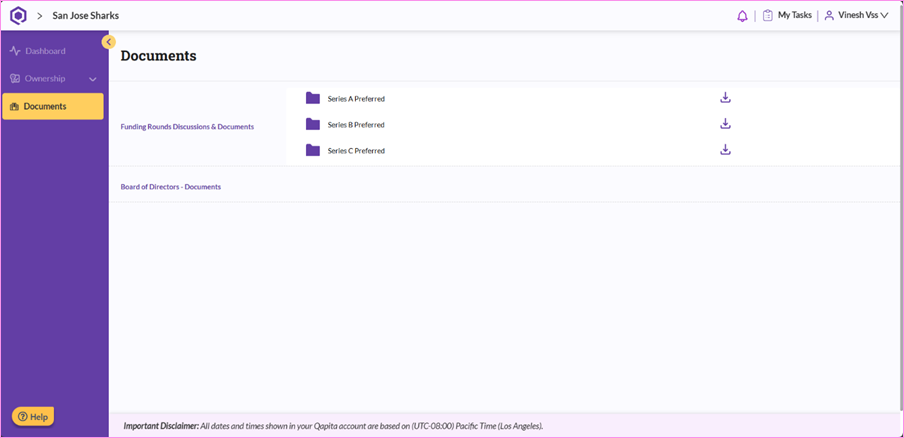
Whenever the company shares documents with you, just head to the Documents section to view and download them. You'll get notified each time something new is added.
Things to Note
Right now, only Administrators can access scenarios. We’re actively working on a feature that will allow Administrators to share scenarios with Investors in the future.
Was this article helpful?
That’s Great!
Thank you for your feedback
Sorry! We couldn't be helpful
Thank you for your feedback
Feedback sent
We appreciate your effort and will try to fix the article