You can update uploaded incorporation documents or their associated filing dates directly from the platform.
Steps to manage incorporation documents
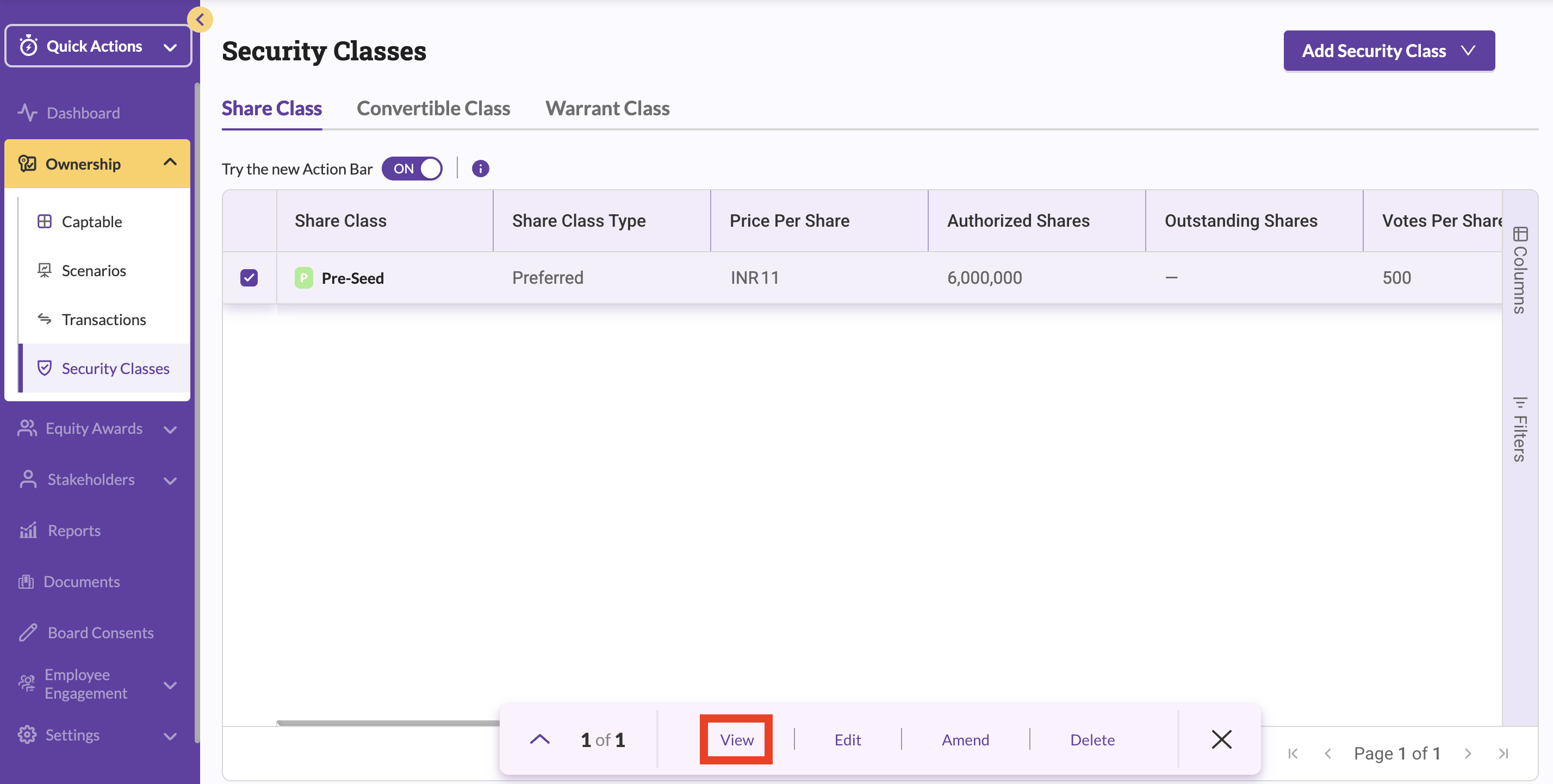
- Navigate to Ownership → Security Classes.
- Select the relevant share class and click View.
- In the Share Class Amendments section, click the three-dot menu next to the document.
- Select Edit to update the filing date or attached document.

- Save your changes.
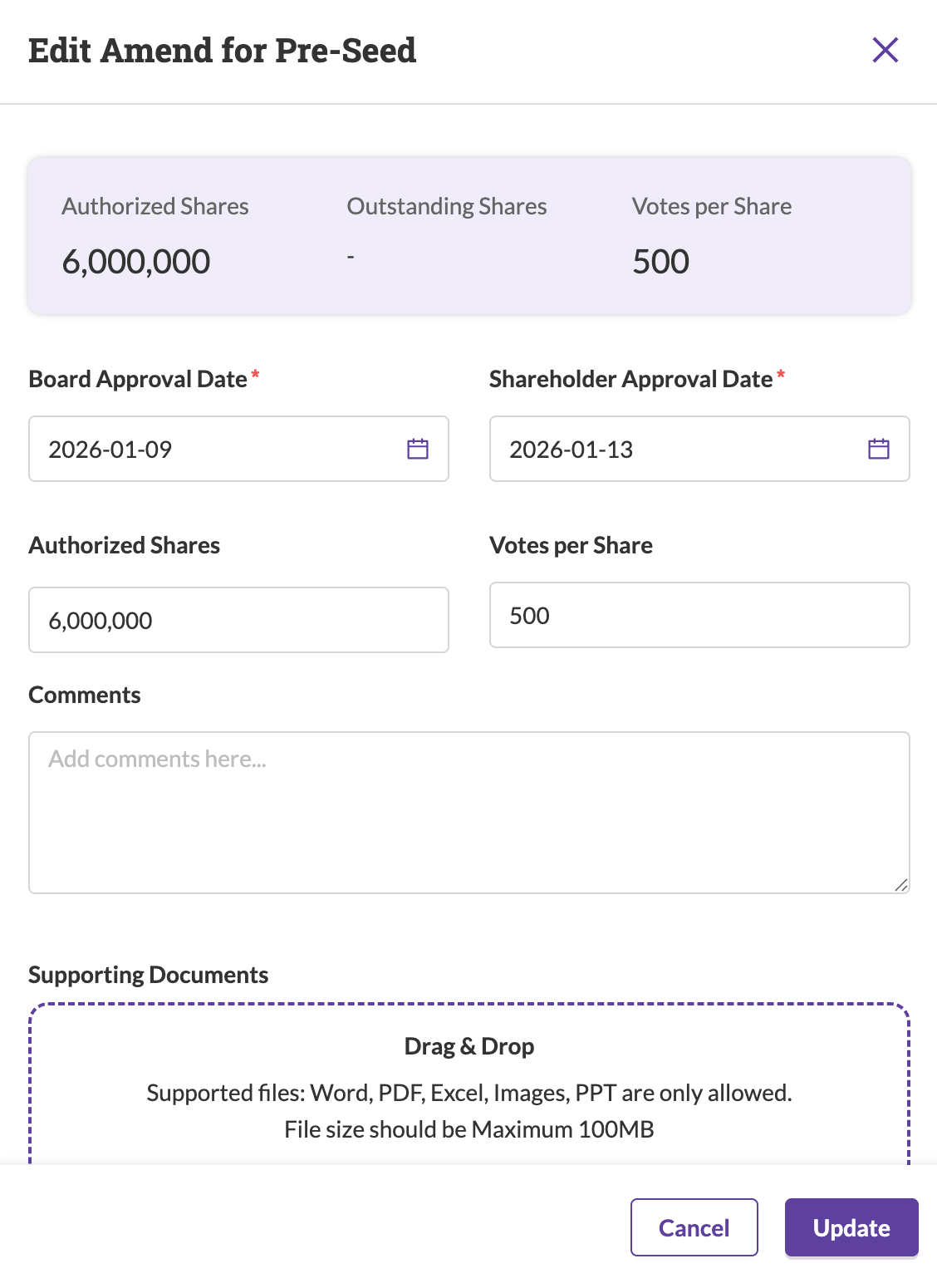
Updates are applied immediately.
Was this article helpful?
That’s Great!
Thank you for your feedback
Sorry! We couldn't be helpful
Thank you for your feedback
Feedback sent
We appreciate your effort and will try to fix the article